 Dead Level TV Mounting
Dead Level TV Mounting / Guides / Adding a soundbar under a wall-mounted TV
Guide · 2026-10-24
Adding a soundbar under a wall-mounted TV
How to connect a soundbar with HDMI ARC or eARC, where to put it, how far below the TV, and which kind to buy.
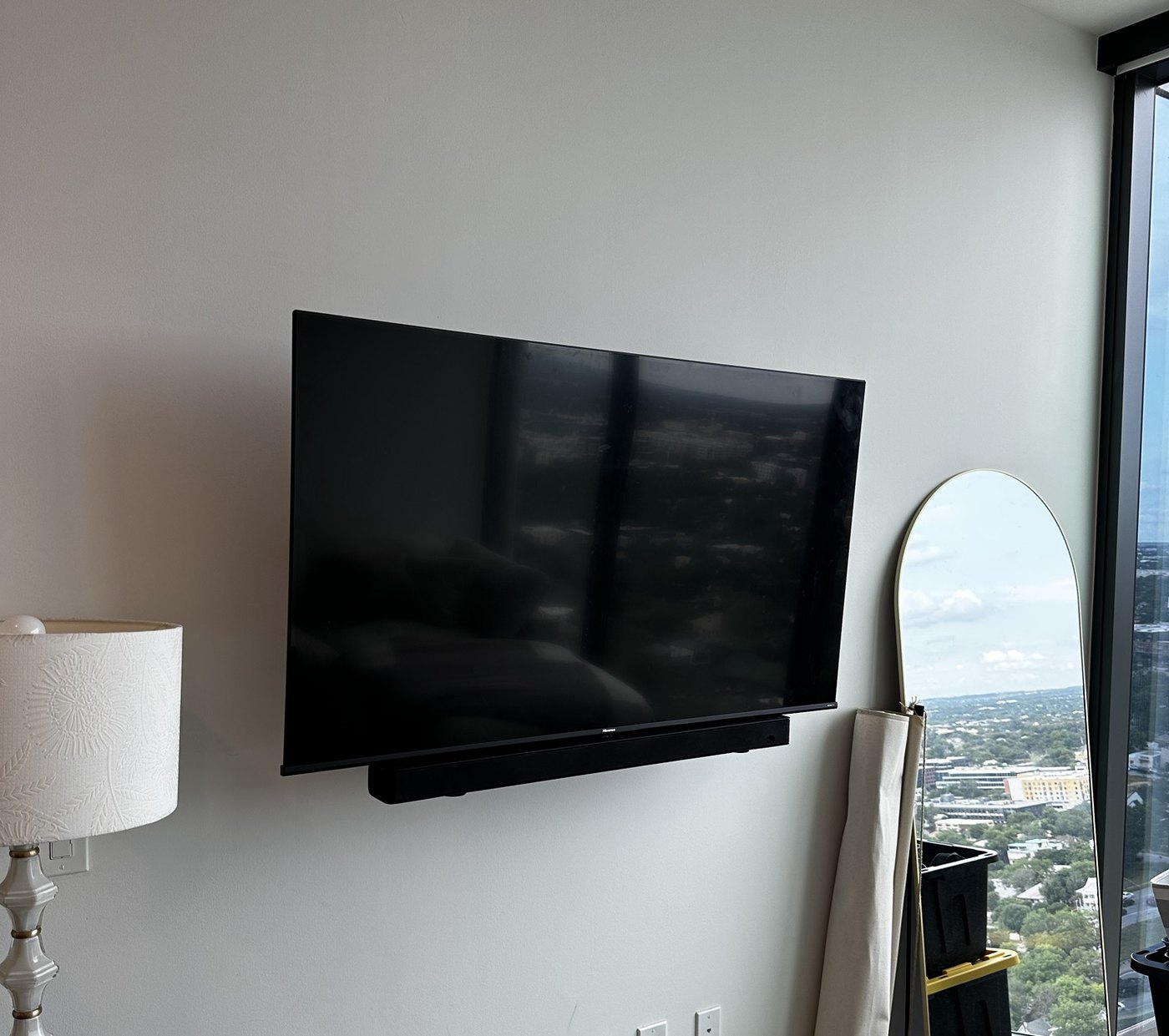
Flat TVs have small speakers that usually point backward or down. Once a TV is on the wall, a soundbar is the biggest upgrade you can make to it.
One cable: HDMI ARC or eARC
Most current TVs have an HDMI port labelled ARC or eARC. Run an HDMI cable from that port to the soundbar's HDMI ARC/eARC port and the TV sends its sound to the bar. Your TV remote then controls the volume too.
- eARC carries full-quality Dolby Atmos. If your TV and soundbar both have it, use it.
- Use a certified HDMI cable, especially if it runs inside the wall.
- Optical works too as a fallback, but it doesn't carry Atmos and doesn't let the TV remote control the bar.
On the wall or on the console
- On the console: the simplest option. Just make sure the bar doesn't block the TV's remote sensor or the bottom of the screen.
- On the wall below the TV: looks cleaner with no console underneath. The bar goes on its own bracket, centered, usually 2 to 4 inches below the screen, and its cable runs with the TV's. Mounting a soundbar on the same visit is +$59.
Which kind
- Small room or bedroom: a compact all-in-one bar focused on clear dialogue.
- Living room: a 3.1 bar has a center channel for voices, and a separate wireless subwoofer adds the low end without a big cabinet.
- Want to grow it later: systems like Sonos let you add a sub and rear speakers over time.
Subwoofers
A wireless sub only needs a power outlet, so it can go beside the couch or in a corner. Corners make bass louder, so try a couple of spots.
Get your TV on the wall
See your exact price in 30 seconds, then pick a time. The $50 deposit comes off your final price.