 Dead Level TV Mounting
Guide · 2026-10-24
Samsung Frame TV: what to know before you install it
The Frame's slim mount, where to put the One Connect box, bezels, and why placement matters more than with an ordinary TV.
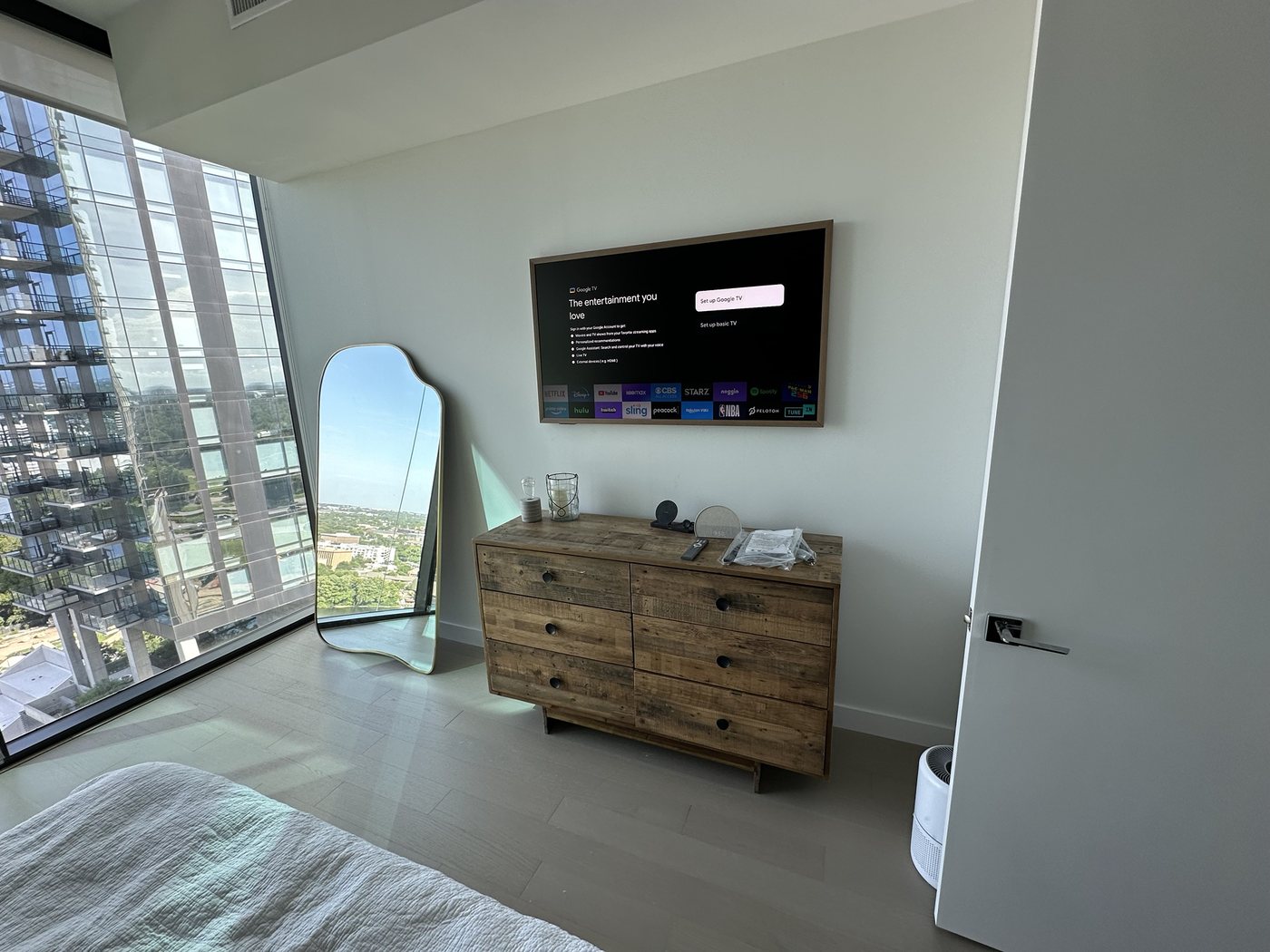
The Samsung Frame is meant to hang like a picture: flat to the wall, in art mode most of the day. That's what makes it look so good, and it's why the install leaves no room for sloppiness.
It uses its own slim mount
The Frame normally ships with Samsung's slim-fit wall mount, which holds it almost flat to the wall. A regular TV mount would push it out and spoil the look. If yours didn't come with one, sort that out before install day.
Because it sits flush, every detail shows: level, centered over the furniture, and the right height. I mark the spot with tape first, and you sign off before I drill.
The One Connect box
The Frame's inputs (HDMI, antenna, power) live in a separate One Connect box, joined to the TV by one thin cable. Plan where the box goes:
- In a cabinet or console below: the most common choice. The thin cable runs down the wall or inside it.
- Behind furniture: fine if there's airflow, since the box gets warm.
- Through the wall: often possible for the thin cable, depending on the wall. I'll confirm on site.
Any streaming device or console plugs into the One Connect box, not the TV.
Bezels
The Frame's border swaps out for teak, white, brown or metal. Bezels are specific to screen size and model year, so check both before buying.
Price
A Frame install is $199 for the first one and $179 for each extra on the same visit. Metal studs (most high-rises) add $30, and cables inside the wall add $89.
Get your TV on the wall
See your exact price in 30 seconds, then pick a time. The $50 deposit comes off your final price.